

What is Pushbase
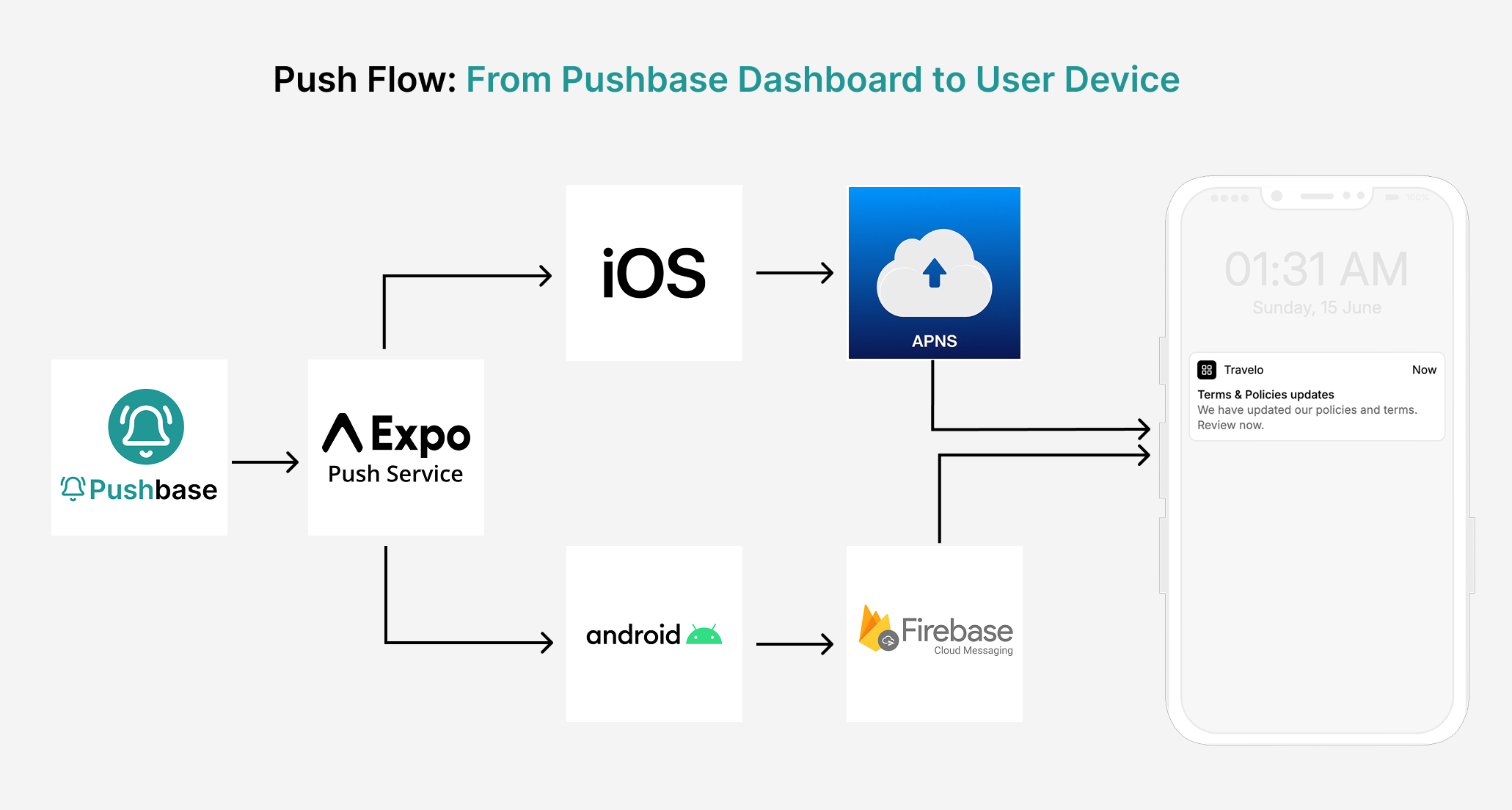
Pushbase is a notification management service built on top of the Expo Push Service. It provides tools for Expo app developers to subscribe users, define target audience segments and deep links, create and send push notification campaigns, and monitor campaign performance through analytics.Installation
Install the Pushbase SDK in your Expo project.
Setup SDK
Get your project ready to receive notifications.
Request permission
Ask for user consent to receive push notifications
Subscribe device
Add a device to the notification subscription list.
<SubscribeBanner/> component
Enable device subscriptions with in-app banner component.
Unsubscribe device
Remove a device from the notification subscription list.
Check Subscription Status
Determine if a device is currently subscribed to push notifications.
Import devices
Import Subscribed Devices from Existing Records.
Push Notification (API)
Push notification through REST API
Handle incoming notifications
Receive notifications and capture delivery analytics.
Deep linking
Route users to specific screens on tap.
<Inbox/> component
The Notification Inbox for your app.