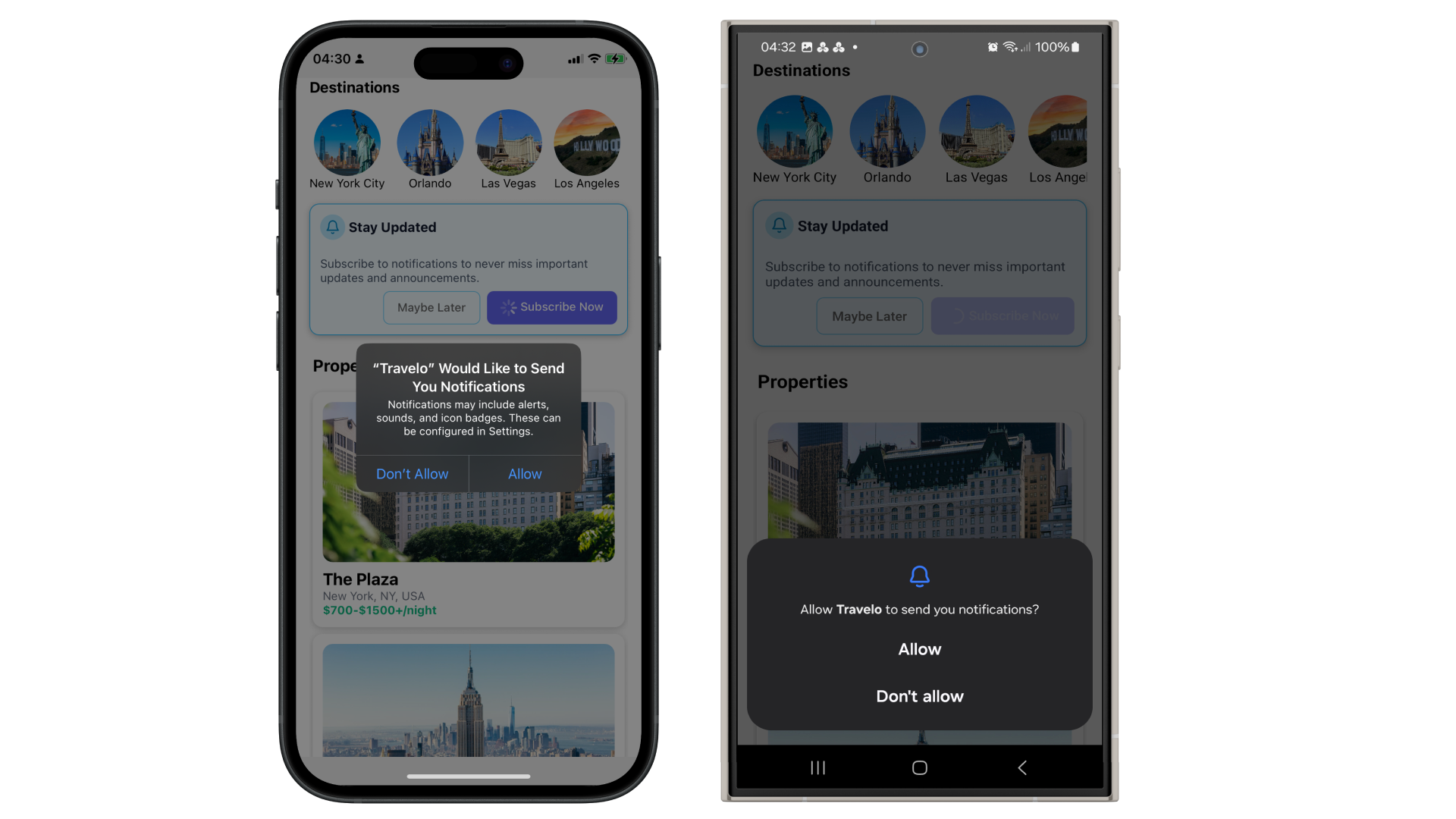
To send push notifications that appear in the notification center, play sounds, or trigger other behaviors, your app must first obtain the user’s permission. Both iOS and Android require explicit user consent before allowing notifications, but there are key differences between platforms:
**iOS:** Notification permission must be requested at runtime using the system prompt. The user’s response (granted or denied) is final unless they manually change it in system settings. Notifications will not be delivered unless permission is explicitly granted. **Android (Android 13+ / API 33+):** Starting with Android 13, notification permission must also be requested at runtime, similar to iOS. For older versions, permission is granted by default upon app install, though users can still manually disable notifications in system settings. Google and Apple recommend that developers clearly communicate the purpose of a permission request to users **before** prompting them for access. Providing context helps build trust and improves the likelihood that users will grant the requested permission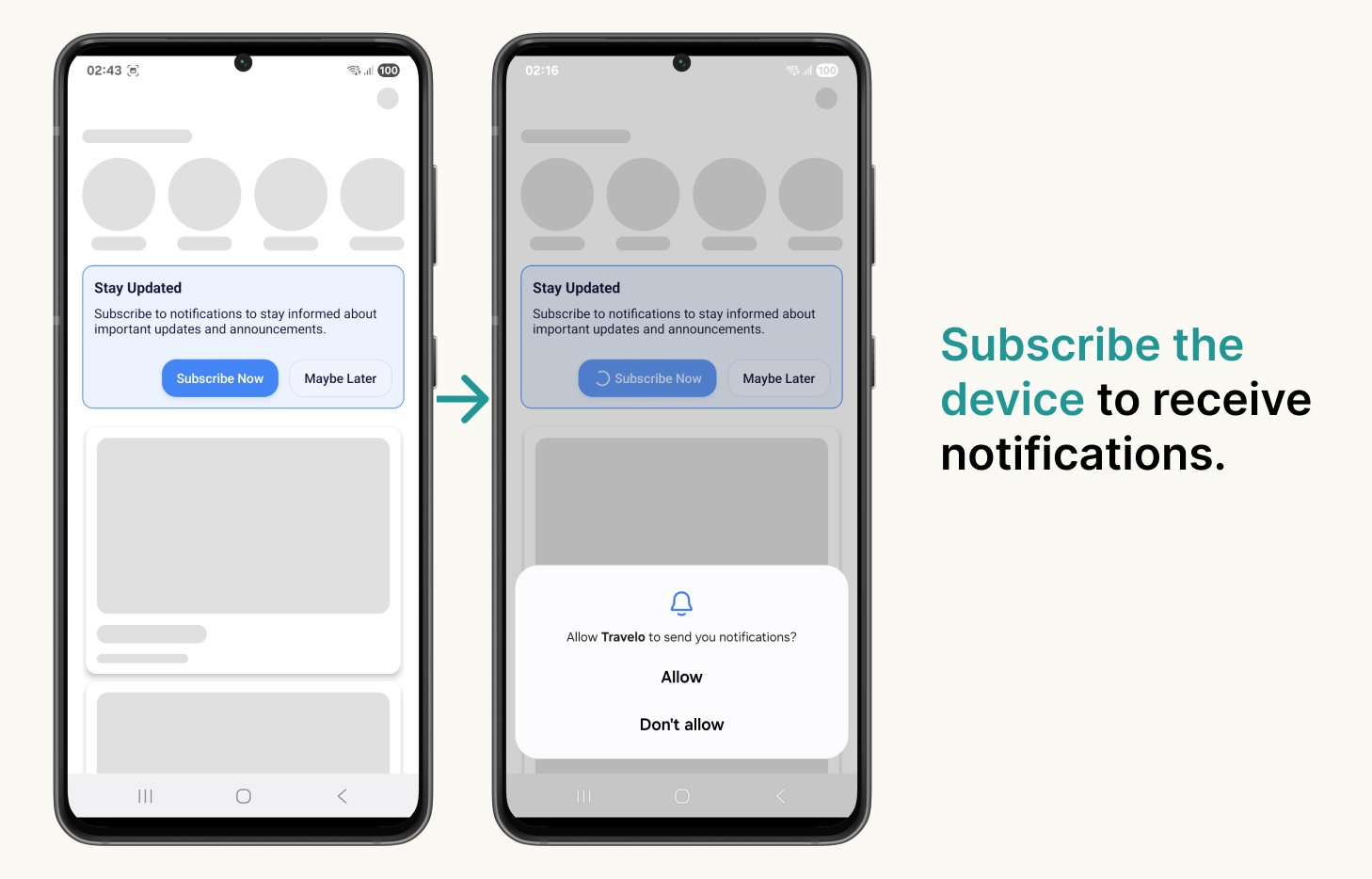 > Follow best practices when requesting notification permission.
## Request permission with Expo Notification
To ensure a smooth user experience, developers are responsible for requesting notification permissions at the appropriate point in the app’s lifecycle, using the expo-notifications API.
This step should be completed before attempting to subscribe the user to push notifications via the Pushbase SDK.
> Follow best practices when requesting notification permission.
## Request permission with Expo Notification
To ensure a smooth user experience, developers are responsible for requesting notification permissions at the appropriate point in the app’s lifecycle, using the expo-notifications API.
This step should be completed before attempting to subscribe the user to push notifications via the Pushbase SDK.